1 / 4
Live
Who's watching what right now, and why it transcodes.
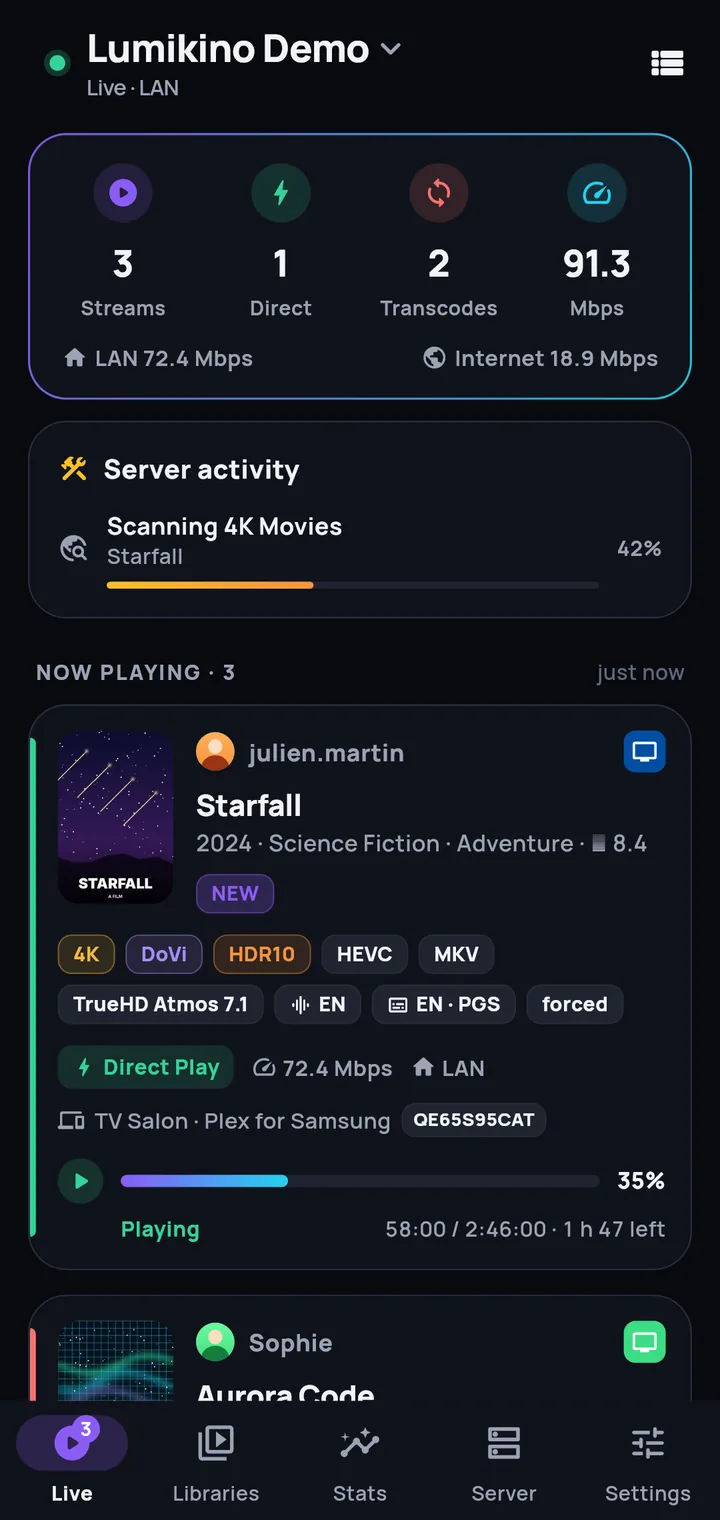
Every stream, in real time
Who's watching, what, on which device, and how far along. Direct play or transcode, local network or internet: it's all there at a glance. Each stream keeps its place in the list, even when paused or moving to the next episode.
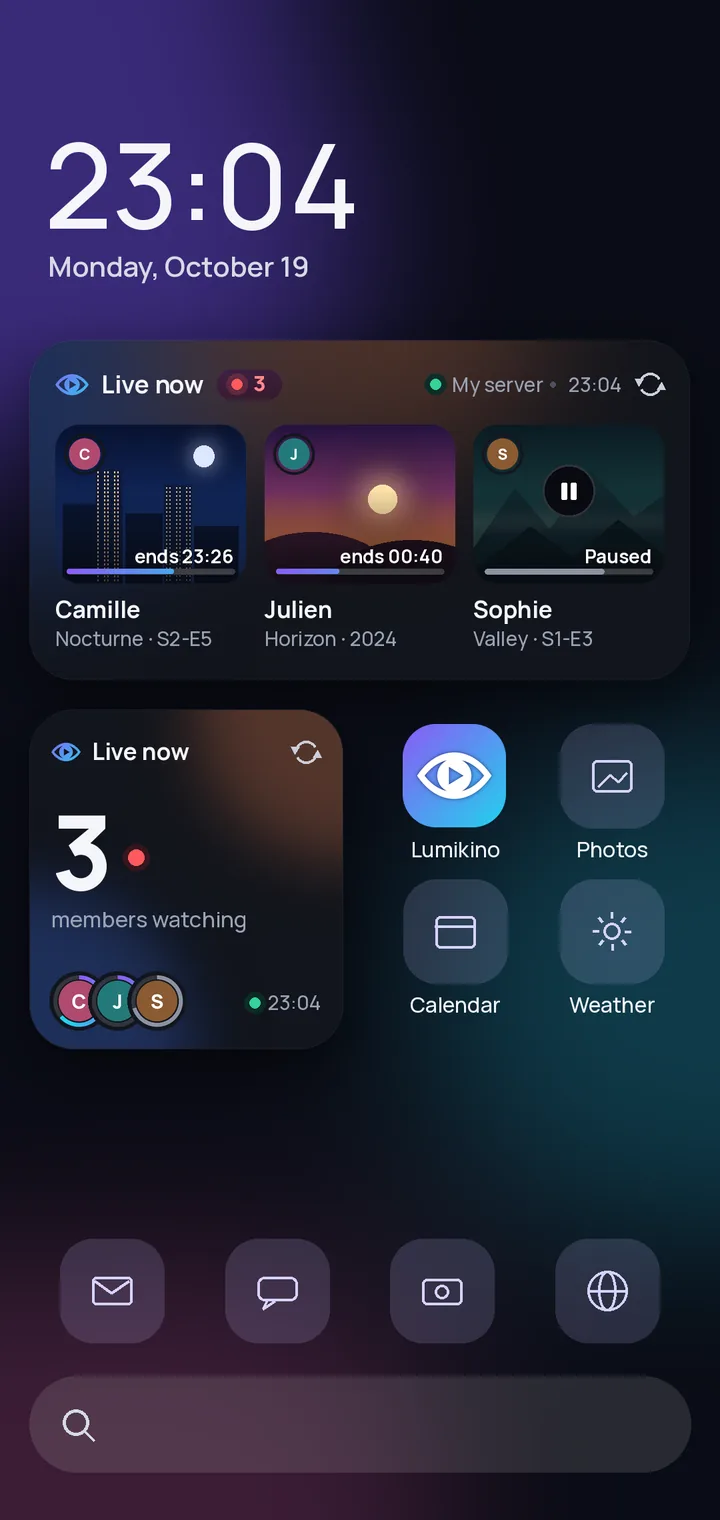
Your server on your home screen
The “Live” widget, large or small: who's watching, with pictures of what they're playing, progress and end time. When nobody is, the last 24 hours. No need to open the app.
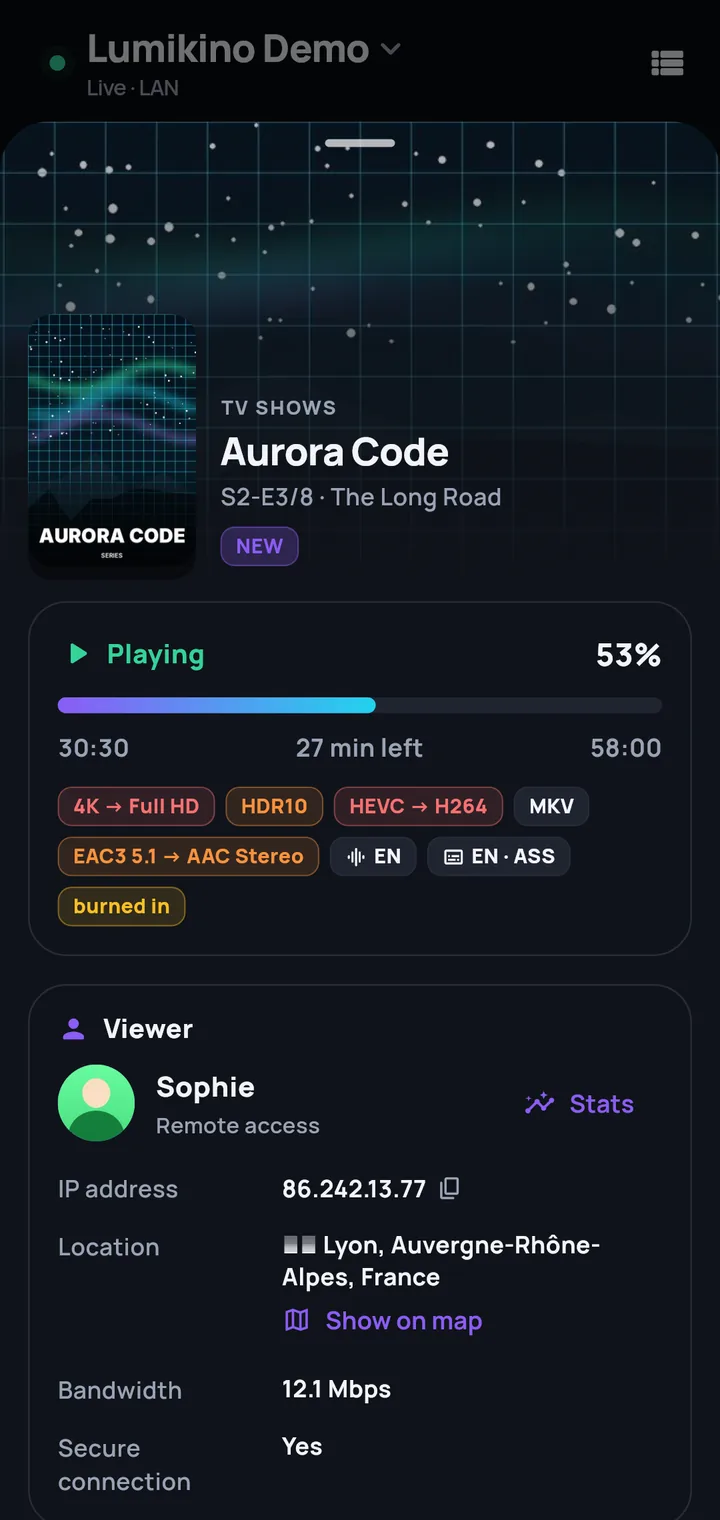
Stream details
Quality, 4K, HDR10 and Dolby Vision, codecs, audio and subtitles: tap a stream to see it all.
With Pro: full technical details, plus the viewer's IP address, city and country.
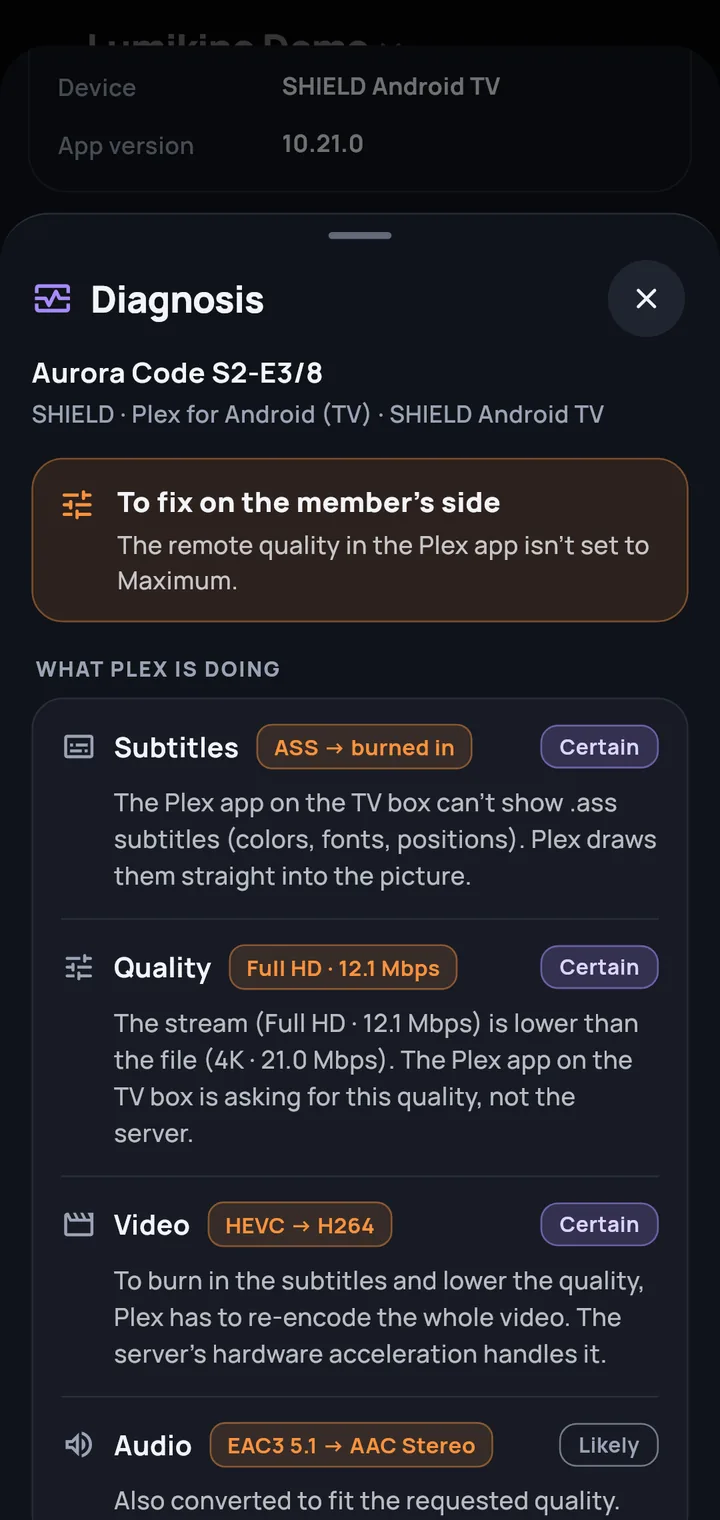
Transcode diagnosis
When Plex transcodes, tap “Diagnosis”: Lumikino explains why (browser, burned-in subtitles, lower quality set in the member's app, a format the device can't play, a server limit) and marks each cause “Certain” or “Likely”. It also spots a player stuck buffering while your server is ready, and tells you what to change, such as “Force Direct Play”.
Pro
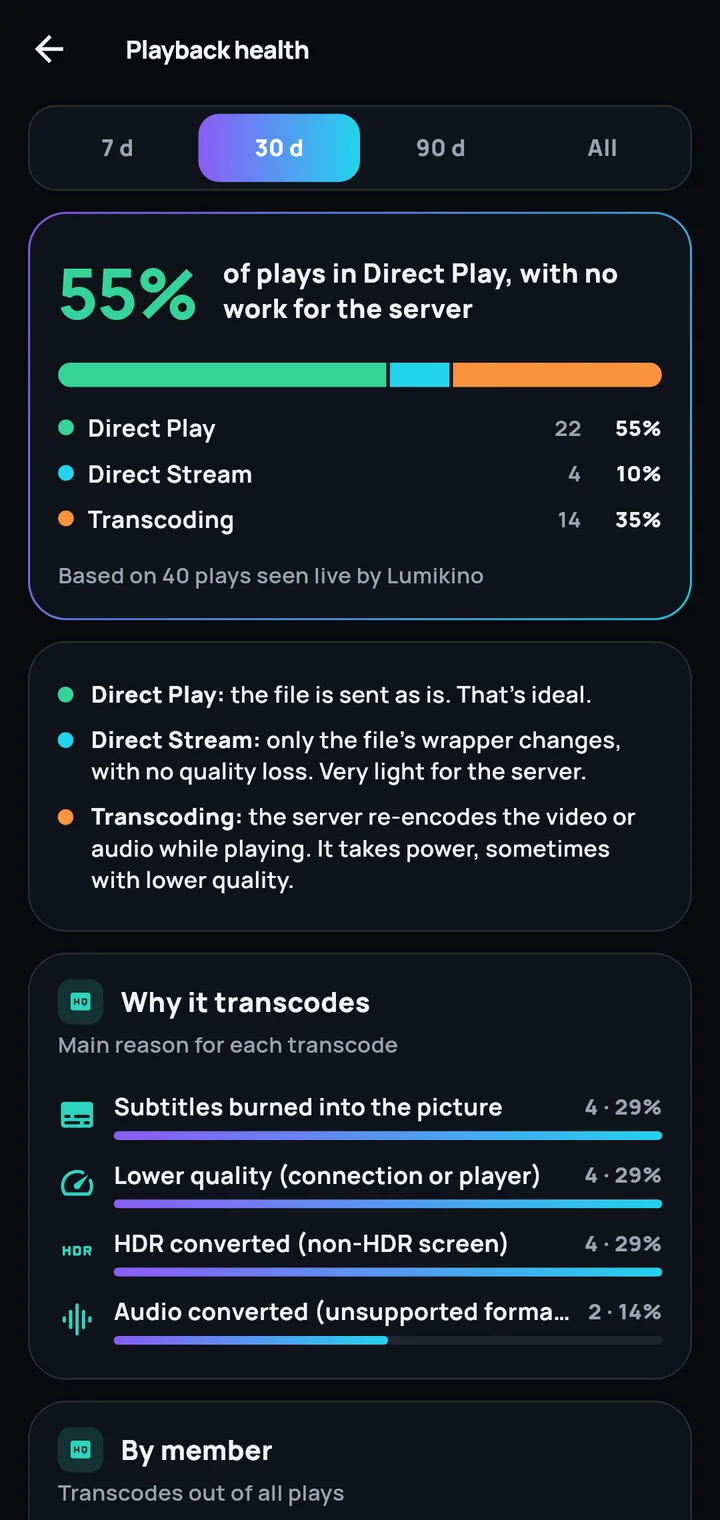
Direct play or transcode?
Your server's playback health: the share of direct play by member and by device, the reason for each transcode (burned-in subtitles, lower quality, HDR…) and the files that transcode most.
2 / 4
Your members
What they watch, when, and on which devices.
Pro
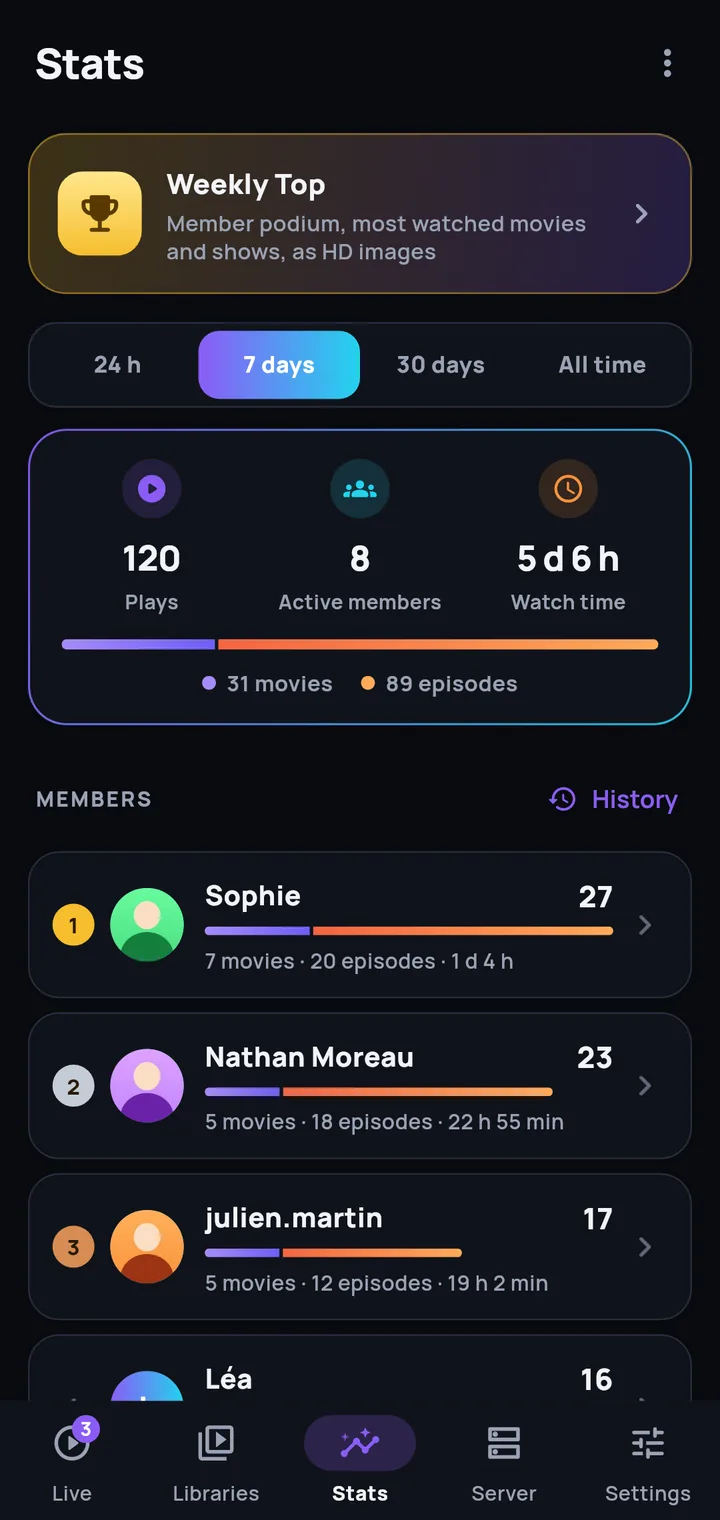
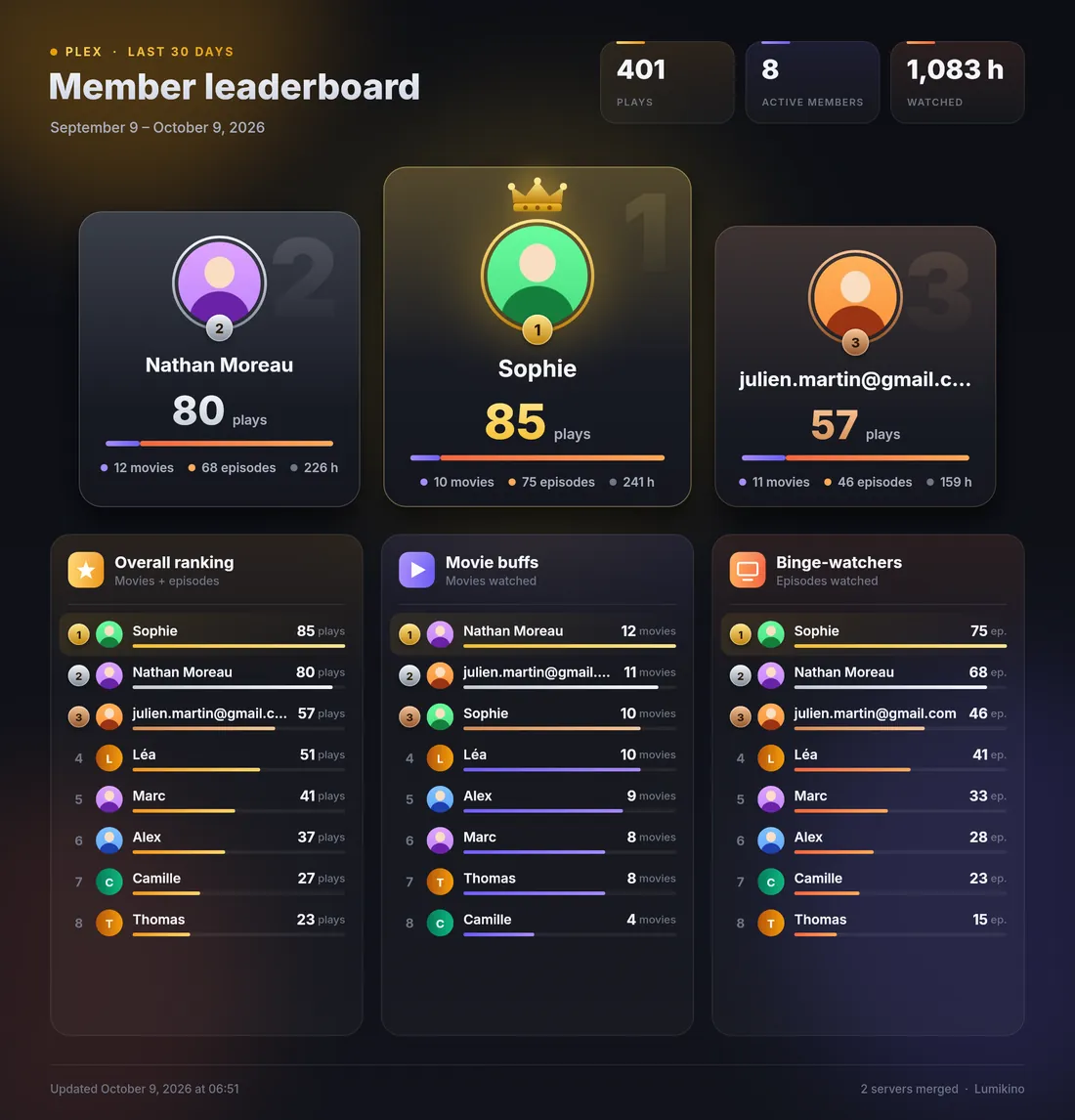
Your members' stats
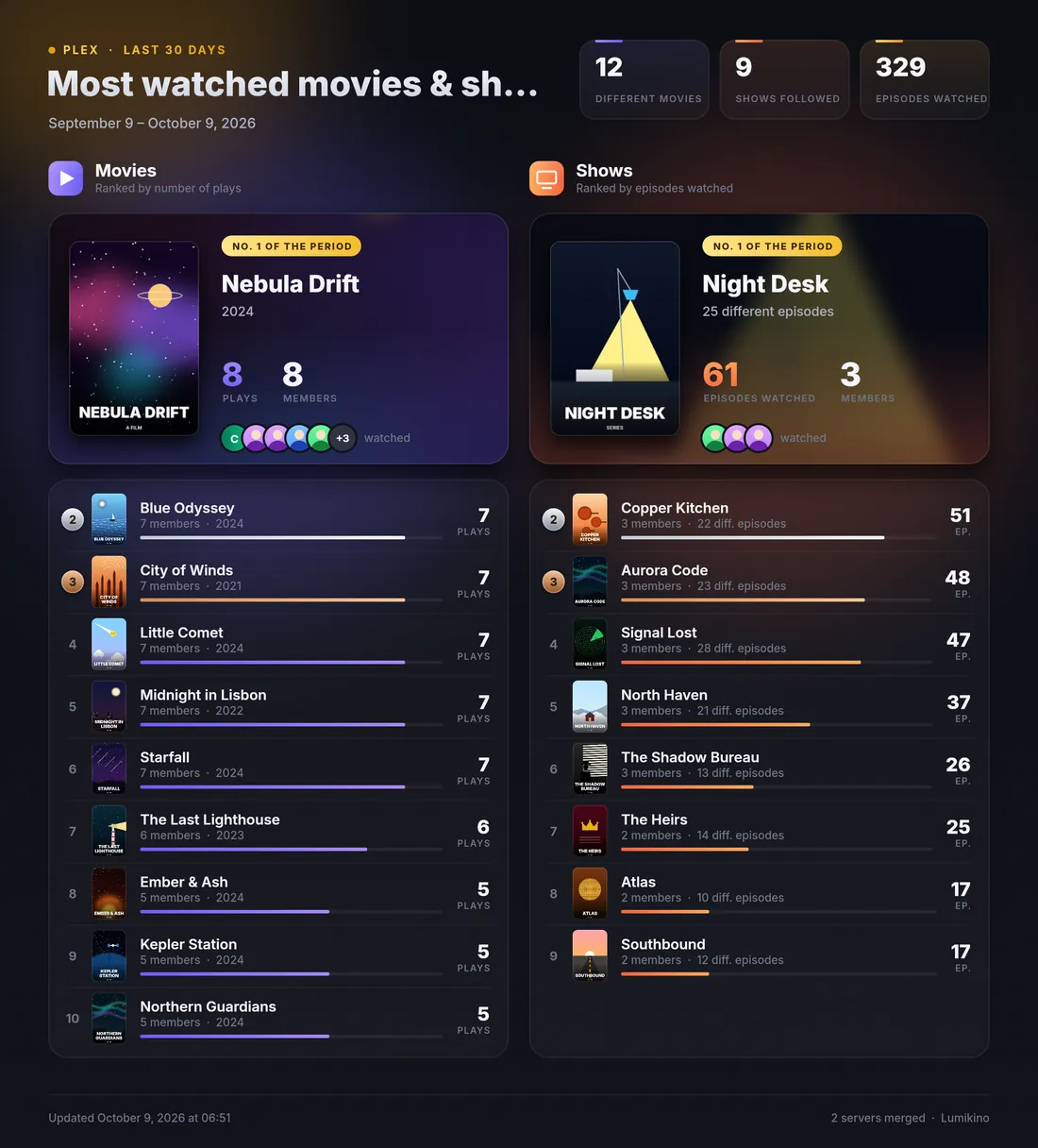
Rankings, watch time, favorite devices: see who watches the most, and what. And spot inactive members to tidy up your shares. Music counts too, listed after movies and shows.
Pro
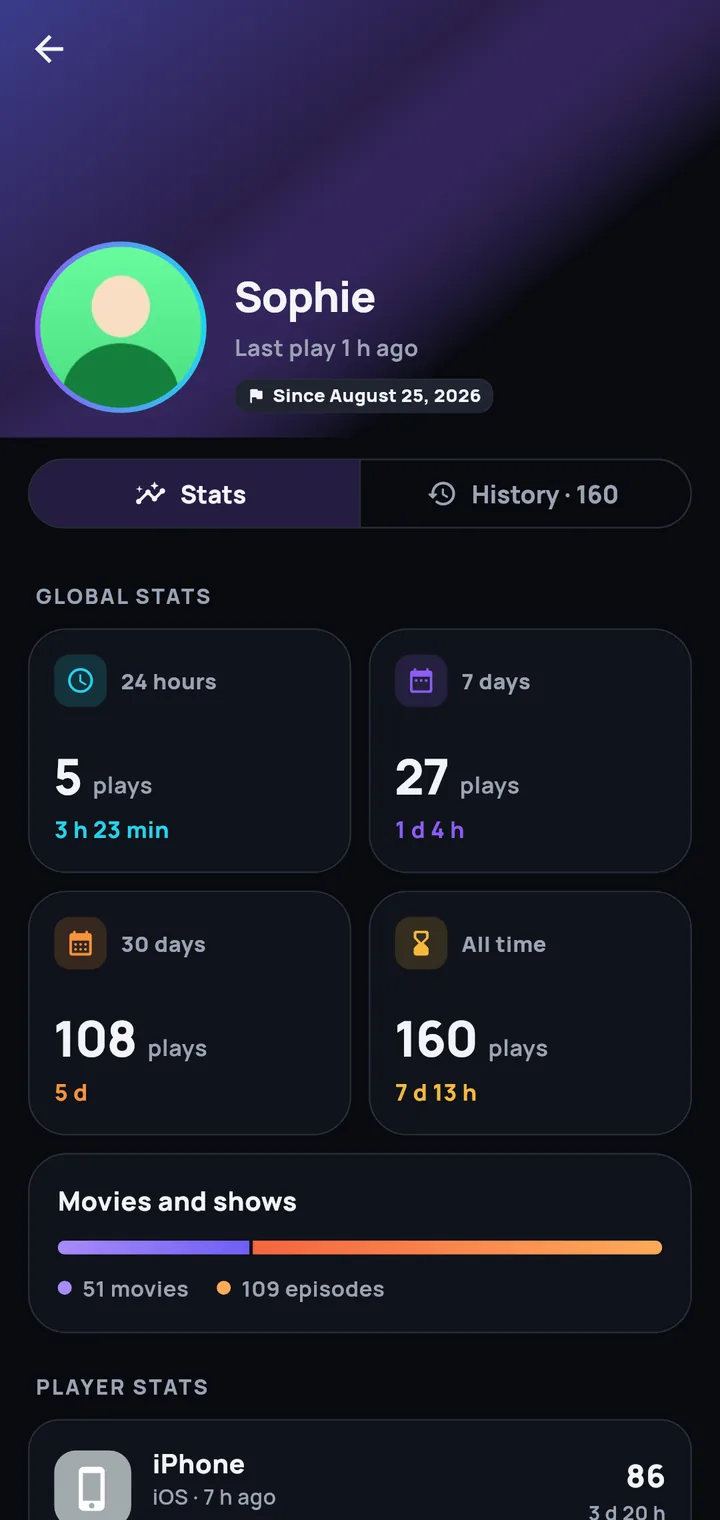
A member's history
The movies and shows each member has watched, with their devices and habits.
Pro
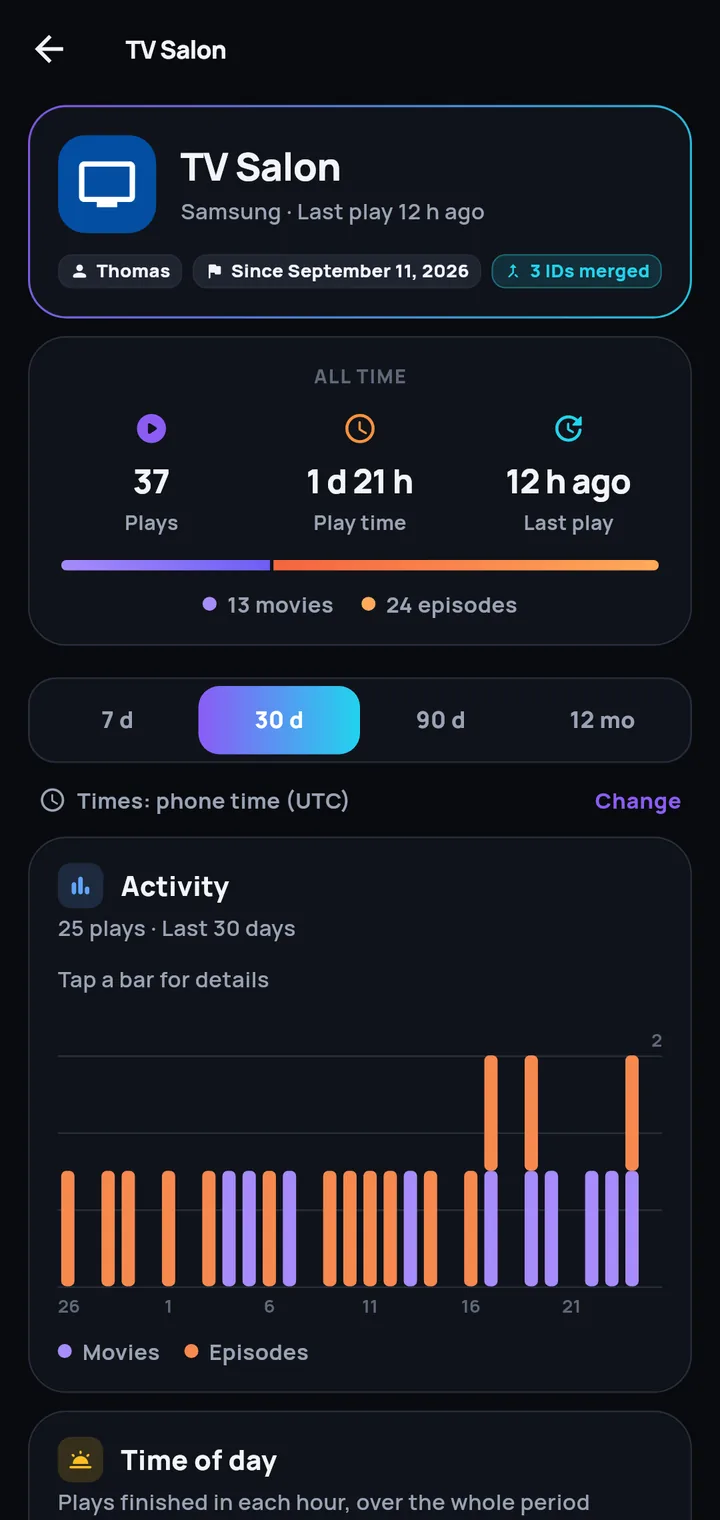
Device pages
Activity, usual hours, favorite titles and who uses it. When the Plex app was reinstalled on a device, Lumikino merges the duplicates.
Pro
View details
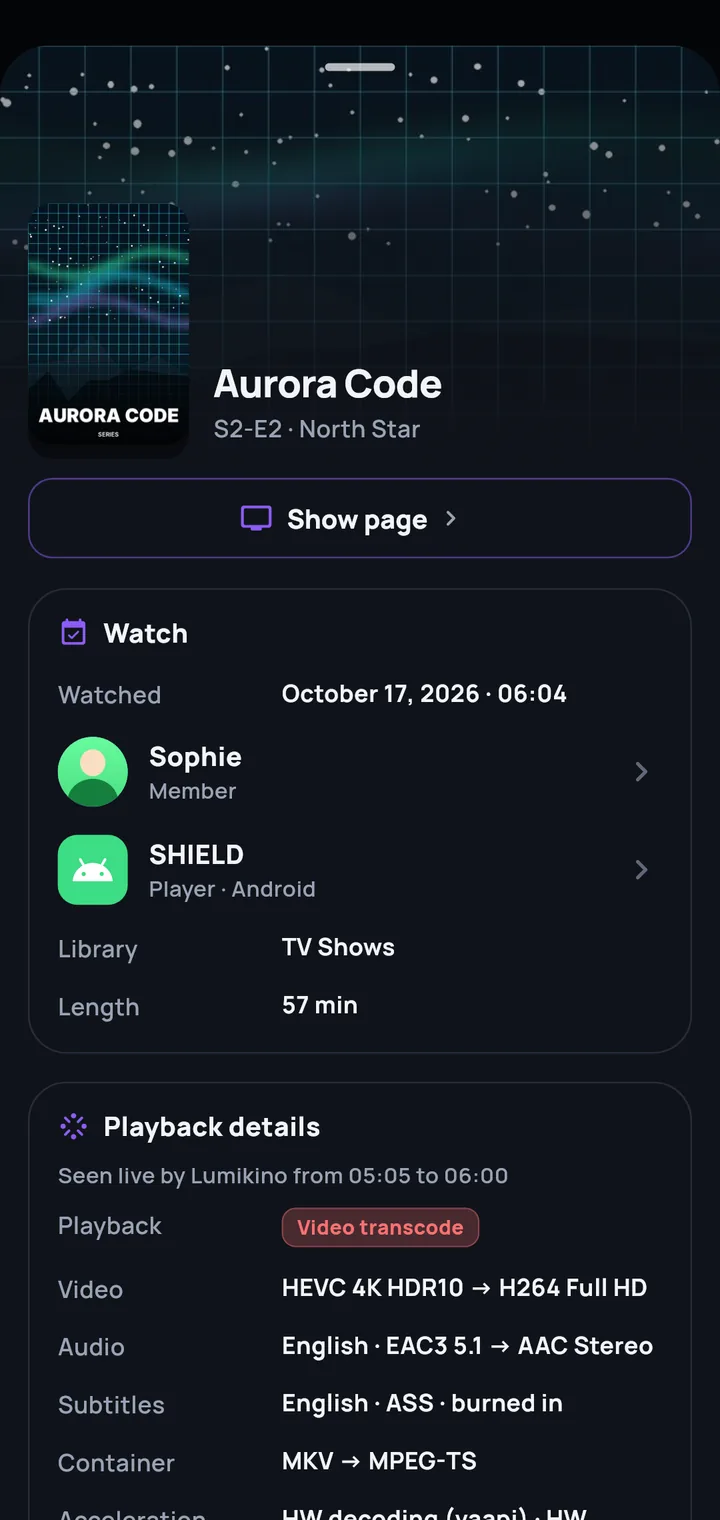
Tap any history entry: who, on which player, which file. If Lumikino was open during playback, you also get the IP address, quality and transcoding.
Pro
Charts that tell the story
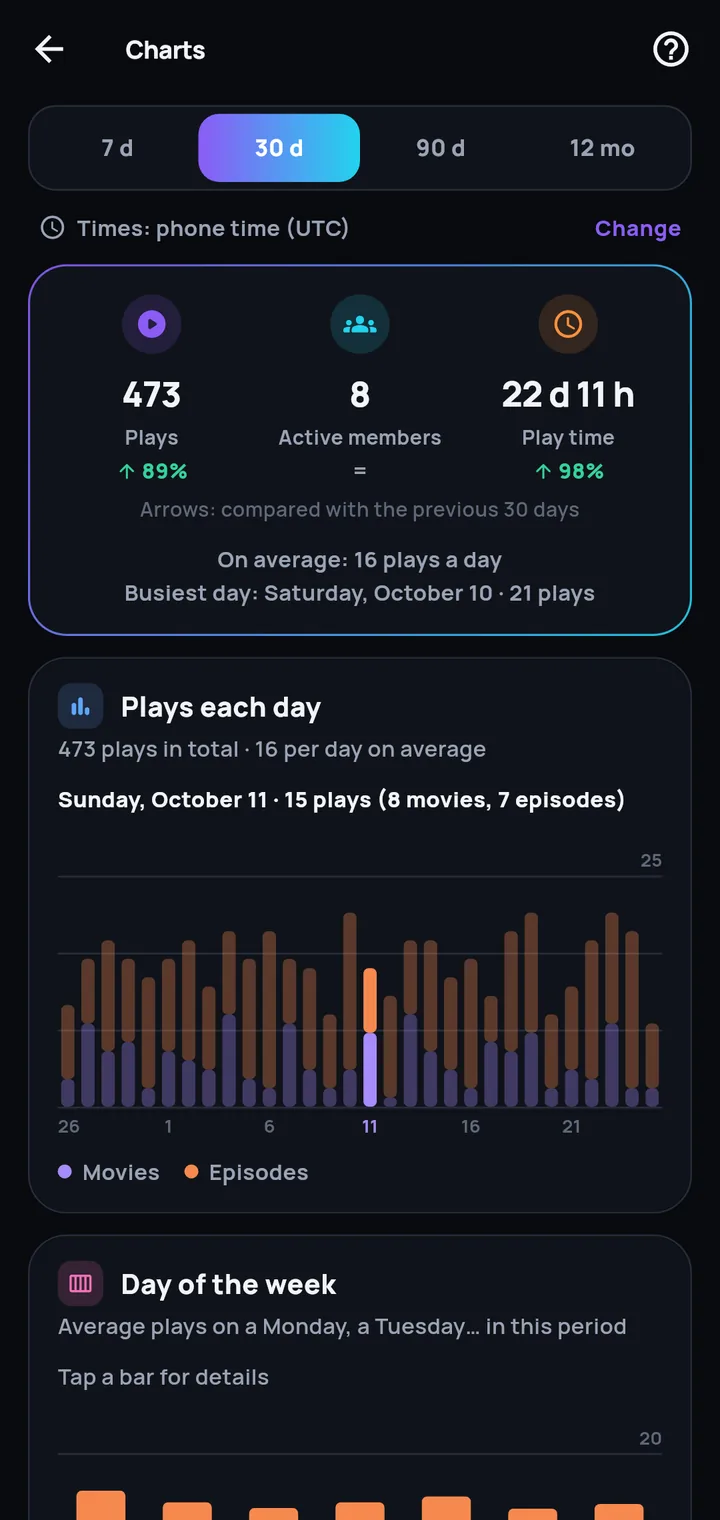
Plays per day or month, busiest days and hours, top platforms and libraries, from 7 days to 12 months. An arrow compares each figure with the previous period. Plus the peak of simultaneous plays, to see whether your server and connection keep up.
3 / 4
Your libraries
What's on your server, and what nobody watches.
Movie and show pages
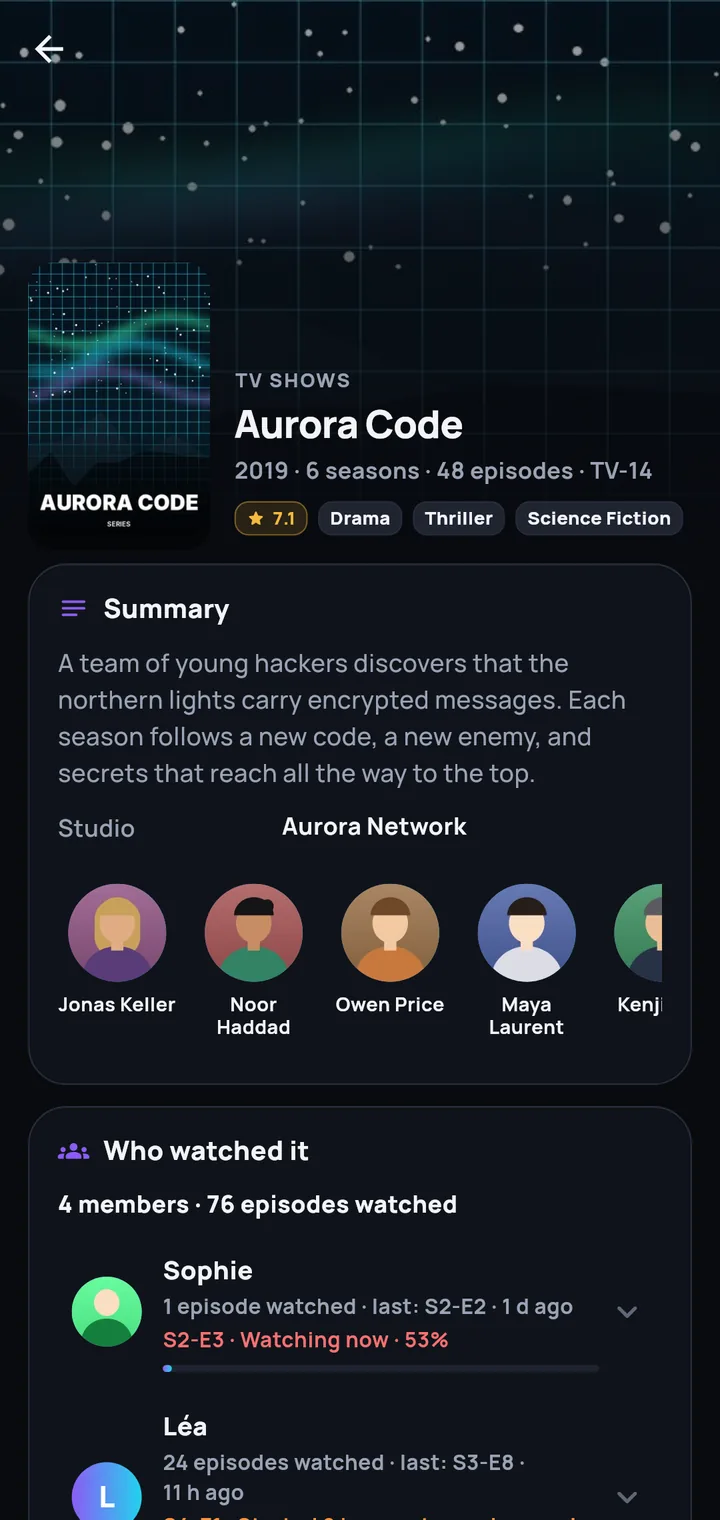
Search for a title or tap a poster anywhere in the app: summary, cast with photos, seasons and episodes, and the file details.
With Pro: who watched it: the members, when, the episodes each one saw, and where they stopped.
Pro
Your libraries, analyzed
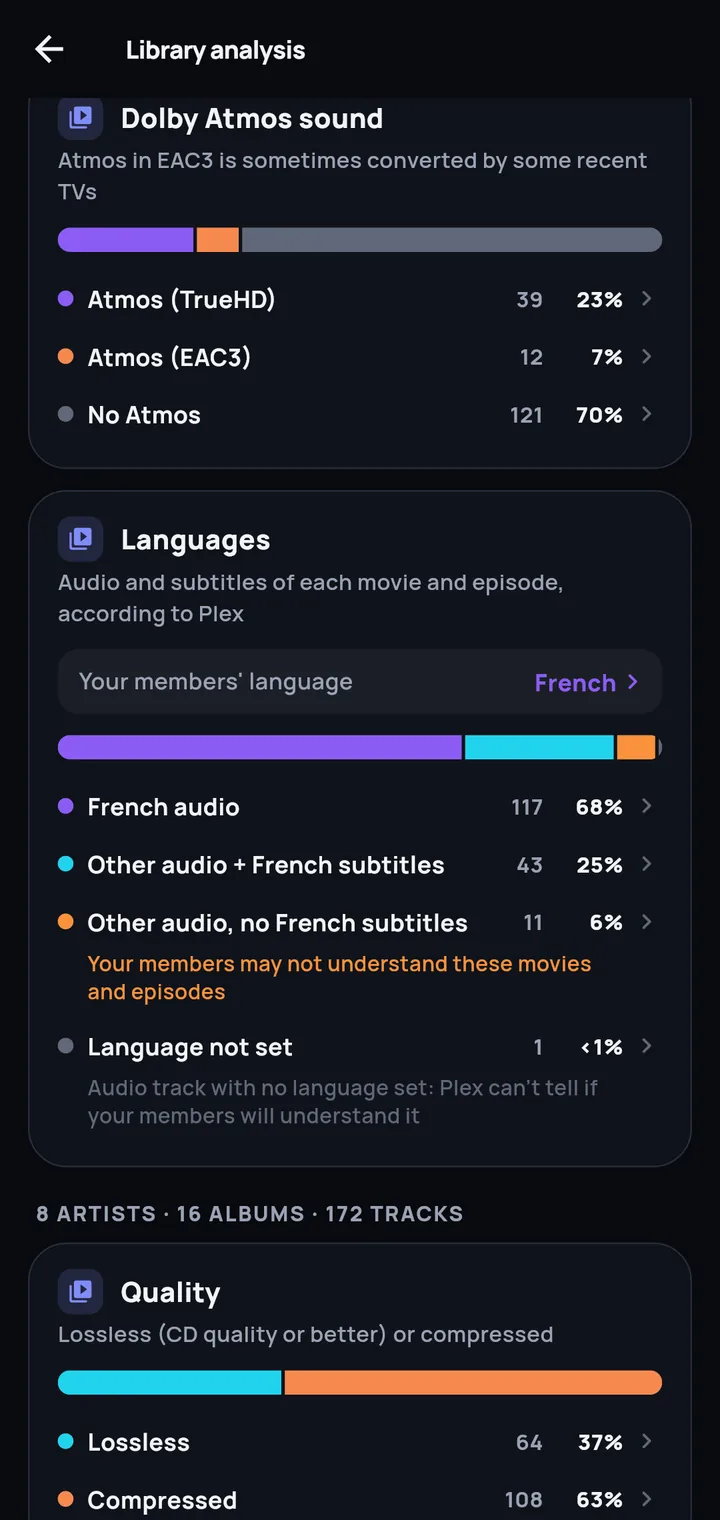
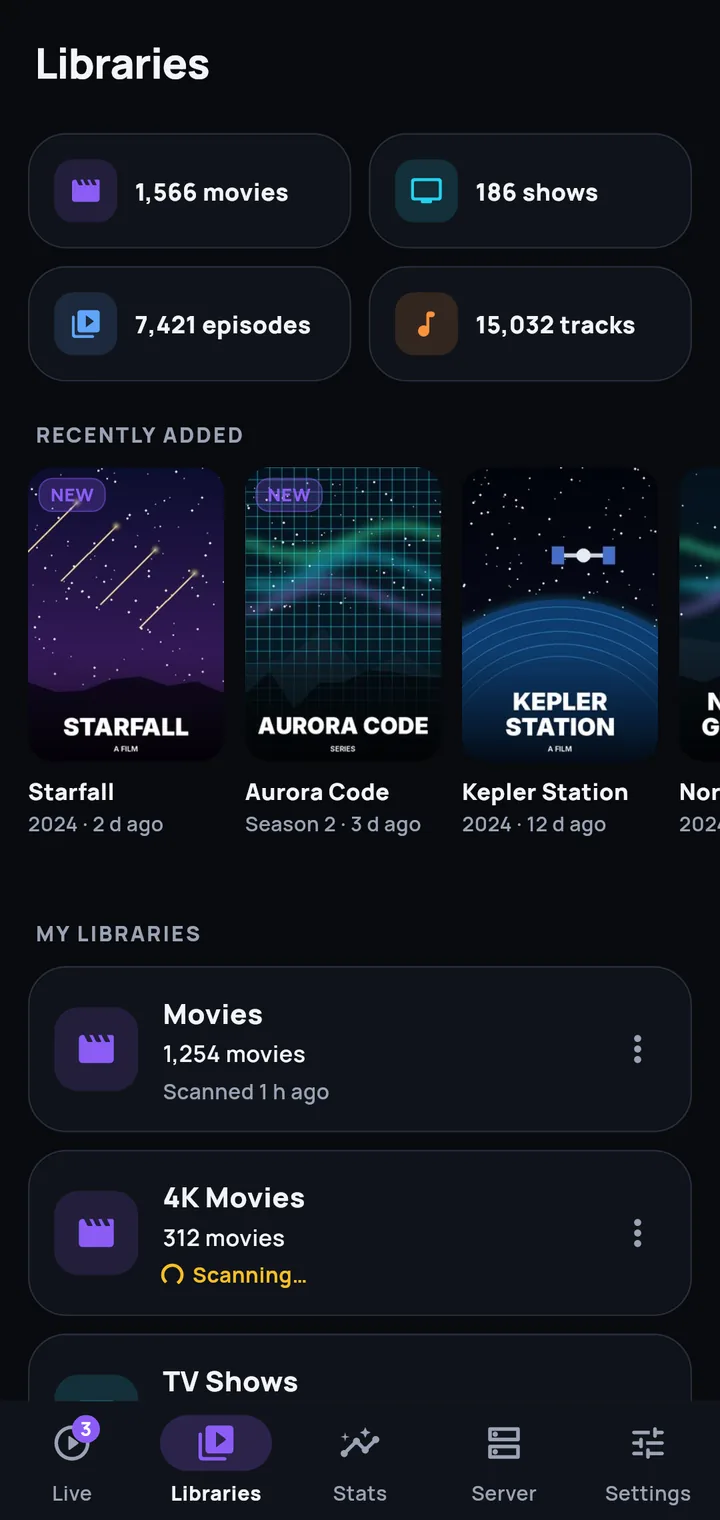
The size, resolution (4K, 1080p…), codecs and audio of your libraries, plus the titles nobody has watched in 3 months, 6 months or a year: perfect for freeing up space.
Your libraries at a glance
What's in each library, recently added items and running scans.
With Pro: one-tap maintenance: scan, optimize, clean up.
4 / 4
Your server and sharing
Your server's health, and your members' access.
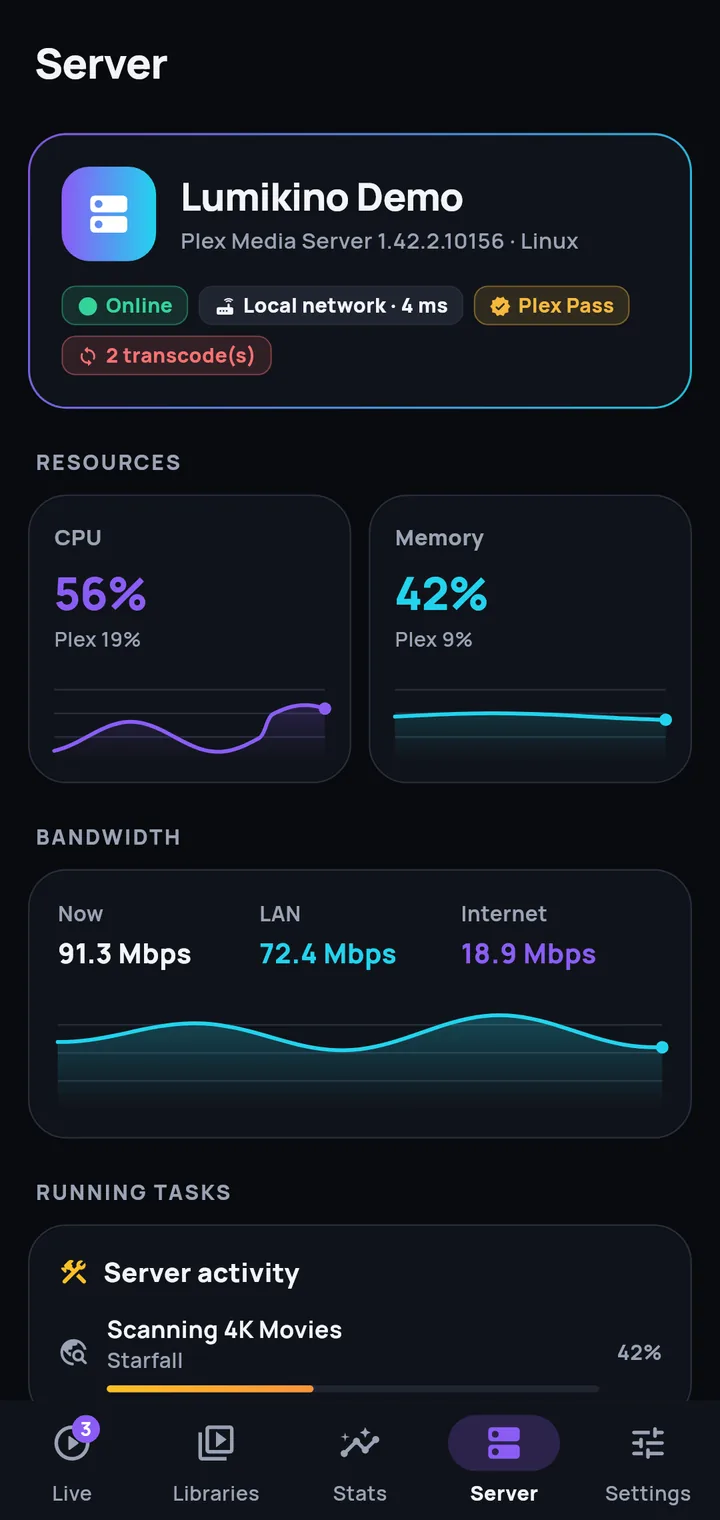
Your server under control
Your server's version, status and activity, wherever you are, and every new Plex Media Server version.
With Pro: an alert when your server goes down, comes back, can't be reached from the internet or an update is out, CPU, memory and bandwidth charts, and stopping a stream with an on-screen message.
Pro
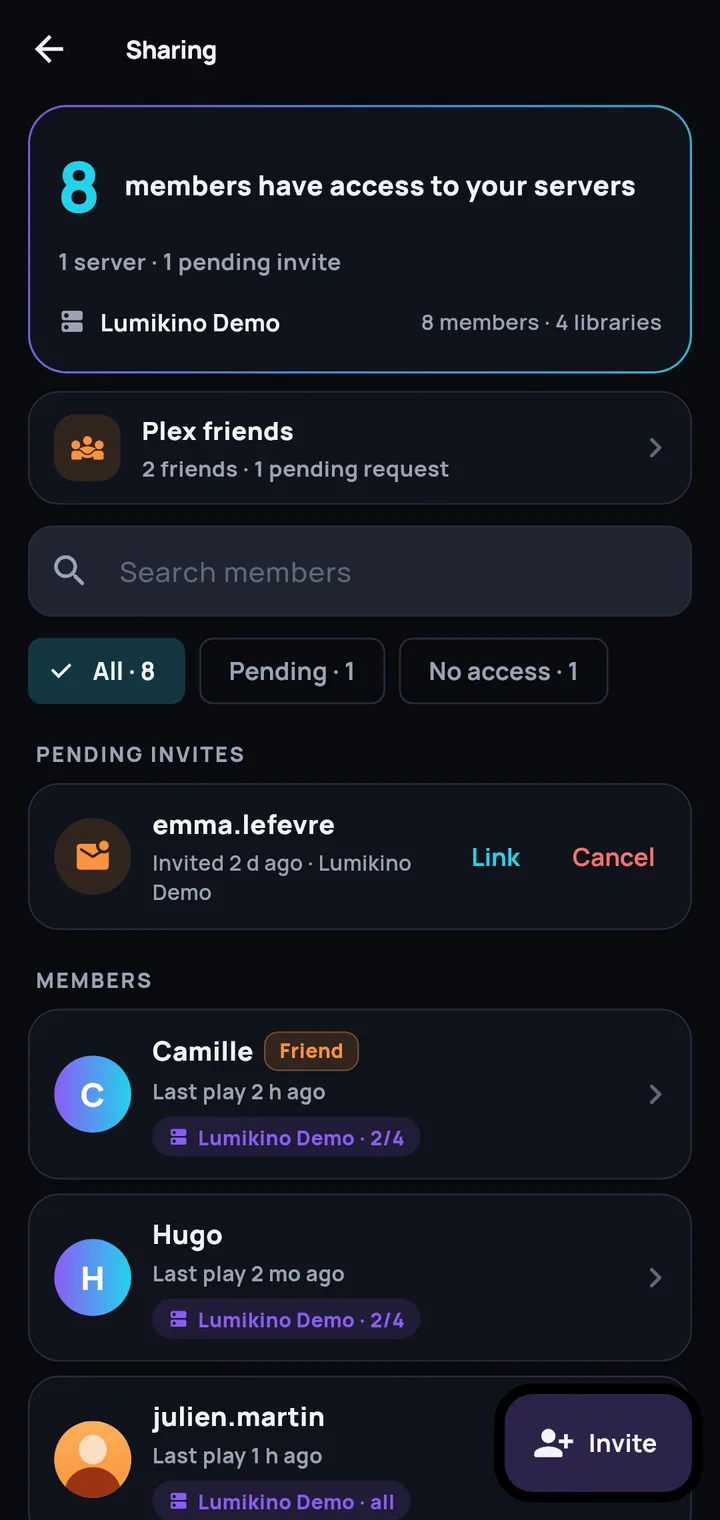
Your sharing, from your phone
All your members, with their servers and libraries. Invite someone by email or Plex username, add or remove a library, cut access or cancel an invite: just like on Plex's website, but made for your phone. You also choose who can download, right from the invite.